
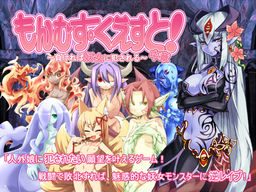
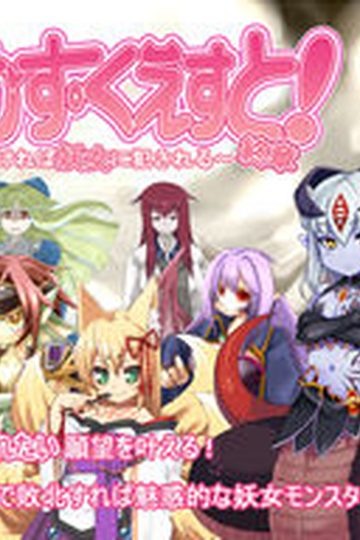
Toro Toro Resistance presents the 2nd act of the massive fantasy RPG adventure!
The story of being reverse-molested by sexy inhuman vixens!
Sweet monster girls seduce and pleasure you! Lose and you will be raped!
Not one scene of boys violating girls. Masochists rejoice!
You are the hero, a young boy.
Battle sexually with diverse characters in a world of humans and creatures.
All the creatures are sexy girls of some species or another! Find them all!
It’s an epic quest. Will your dirty dreams come true?
529 comments
To reconcile this I tested copying the arc1.nsa and the arc2.nsa files aswell and upon repeating the "Part 1 Conversion" option, all the Monsterpedia entries are added.
This may be obvious to some people but I thought I'd mention it just incase it might help someone else... The patch readme has quotes around the file name, and indicates a singular item as opposed to plural items.
- Steps taken summary -
1) In \MonsterGirlQuest2\ folder...
copy \arc1.nsa\(841mb) and \arc2.nsa\(43.8mb) to desktop.
2) In \MonsterGirlQuest\ folder...
copy \arc.nsa\ \arc1.nsa\(11.7mb) and \arc2.nsa\(8.82mb).
3) Back in \MonsterGirlQuest2\ folder...
paste the 3 files from step 2 into the folder.
If it askes if you want to replace existing files say \yes.\
4) Enter \Monster Girl Quest Part 2\
Use the \Part 1 Conversion\ option then exit the game.
5) On desktop...
Copy \arc1.nsa\(841mb) and \arc2.nsa\(43.8mb).
6) Back in \MonsterGirlQuest2\ folder...
paste the 2 files from step 5 into the folder.
If it askes if you want to replace existing files say \yes.\
- Result -
All Monsterpedia data form Part 1 available in Part 2 and no error in Storyplay.
Didn't for me...
099.txt line: 19811
\sean0160
>bg \BG/bg077.bmp
It crashes right as i accept the message. Any ideas what this means?
(Sorry for my bad english)
sorry for the (engrish) i dont know much
099.txt line: 19811
\sean0160
>bg \BG/bg077.bmp
...and of course crashes the game.
Does anybody know how to counter this and make it work properly? It's so irritating.
then,copy your latest save data MGQ1 and paste to ' folder save MGQ2 '
no need to copy gloval.sav thing..just copy your save data MGQ1..
enter MGQ2 and load your save data..it works for me..
I too have the "looking for Undine error"
099.txt line: 19811
\sean0160
>bg \BG/bg077.bmp
ONLY copy the arc.nsa file to the moster quest 2 folder, not arc.nsa1 or arc.nsa2
MGQ3's arc2.nsa is broken in all of its .rar parts though. Send help qmq
How to use "Part 1 SaveImport":
- In , copy
- In , paste and replace
- Open
- Extras, "Part 1 SaveImport" should work now.
How to use "Part 1 Conversion":
- In , copy
- In , paste and replace
- Open
- Extras, "Part 1 Conversion" should work now.
(+whatever Part 1 Conversion does)
"Part 1 SaveImport":
– In [MonsterQuest\save], copy [gloval.sav]
– In [MonsterQuest2\save], paste and replace
– Open [mon_que.exe]
– Extras, “Part 1 SaveImport” should work now.
“Part 1 Conversion”:
– In [MonsterQuest], copy [arc.nsa]
– In [MonsterQuest2], paste and replace
– Open [mon_que.exe]
– Extras, “Part 1 Conversion” should work now.
.
Note that [mon_que_NOwordwrap.exe] didn't seem to recognize [gloval.sav] for me, so I'd just stick to using [mon_que.exe].
Ignore my other comment below. Tried using greater than/less than signs instead of []'s and it killed all the file and folder names qeqSaveImport carries over your MGQ1 Monsterpedia to MGQ2, an issue some other commenters couldn’t solve without issue below. Hope this helps.
oh well
can someone help me?