English version, released by JAST USA contains several “censored” ( clothes added with photoshop for several CGs) images of Matsuri, the youngest girl.
The following patch removes this censorship:

English version, released by JAST USA contains several “censored” ( clothes added with photoshop for several CGs) images of Matsuri, the youngest girl.
The following patch removes this censorship:
The following patch will add voices in English version of the game.
This patch imports PS2 voices to PC version of the game. Extract archive contents to main game directory.
Hide ugly UI: higurashi-noframe.rar – 615 B Extract these files to your higurashiwhentheycry folder. Be sure to set the right-click function to show menu instead of hide frame. Font hack:…
This patch imports Japanese voices to English version of Kara no Shoujo game. Put patch file in main game directory.
This patch restores removed content ( hentai scenes, kissing, dirty jokes etc. – basically everything that localization company deemed unsuitable for 12 year old French girls ) in English release…


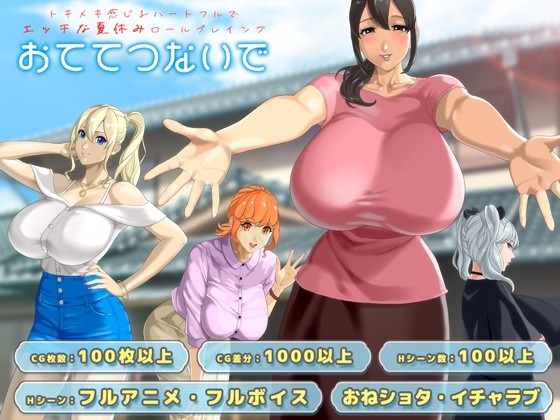
My younger sister is due to be born, so I’m going to Natsukaze Village, where my maternal relatives, the Yumesaki family, live, for the summer holidays. Natsukaze Village is a [...]
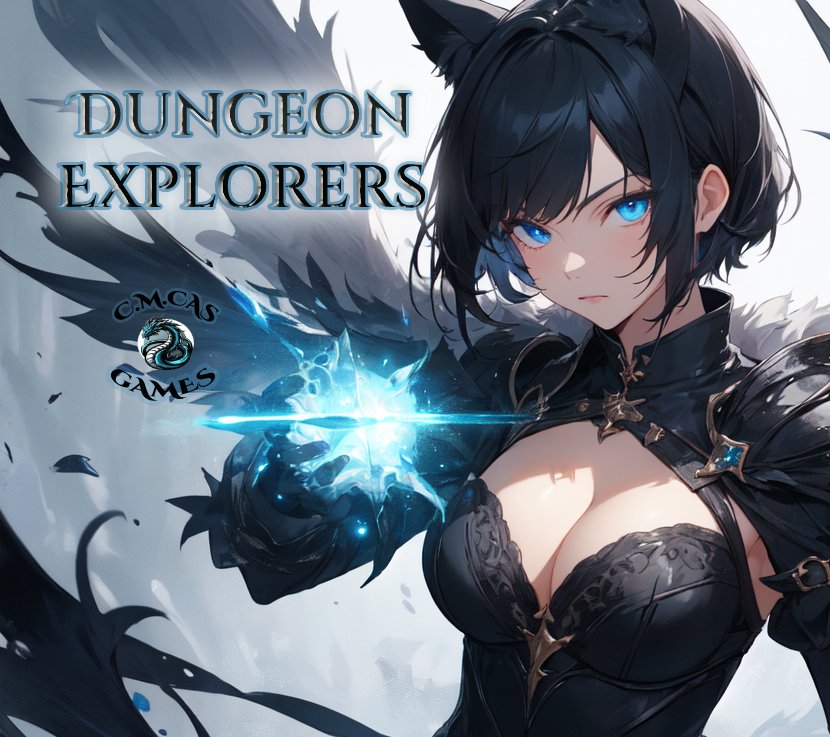
An escaped slave seeks revenge against the masters, but first he must gather a warband to go to war. The post Dungeon Explorers appeared first on Hentai-RPG. [...]
In the kingdom of Karmabüttel, elves and men live side by side, but not as equals. Once an elven island, the land was seized a century ago in a brutal [...]
Behold the Elf specimen! Long ears. Beautiful features. Long lives. Exotic… They gather together for mutual protection, build villages, and help nurture forests rich with Fey and mana. As guardians [...]
Ayumi goes to the abandoned schoolhouse with 8 male classmates, but soon awakens in a classroom all by herself… As she tries to ascertain her surroundings, she’s struck with a [...]
Two strangers, one mysterious island, and a fate they never saw coming. When a sudden accident leaves two young women shipwrecked on the shores of a seemingly deserted tropical [...]
Becoming a gigolo seemed like the perfect gig, until one seductive contract pulled you into a web of lies, manipulation, and power. Years later, you're free... or so you think. [...]
You experience the story through the eyes of Mei, the wife of Chang, a simple villager. Their world is upended by a nearby military conflict, creating an atmosphere of desperation [...]
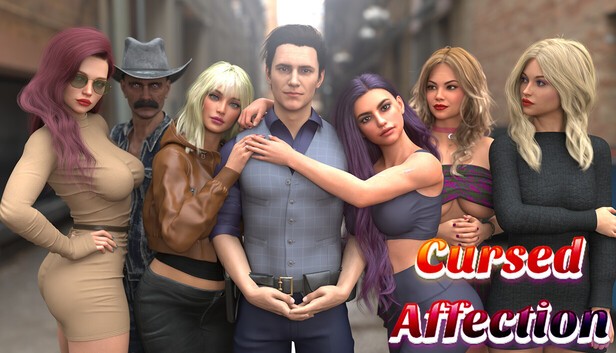
A quiet night in Oakridge Valley turns into a nightmare when a mysterious phone call leads a U.S. Marshal to an abandoned church. Inside lies a wounded girl and the [...]

thanks admin! there’s nothing i hate quite as much as censorship.
how do i use this<?
It said it have Trojan hors on this file, is that even possible?
Works fine.
To the user above: Its a false positive.
what folder am i suposed to save the update is keeps saying wrong folder selected
JAST DRM detected as trojan.
Is this file save or not?
Where are we supposed to put this? when i drag the patch on the game shortcut the game starts so im assuming that works but is there another way? so i don’t have to keep dragging it? Thanks
You aren’t installing the patch, just running the game normally. You have to run the patch directly to remove the censorship.
I’m aware this is way to old for you/this person to care, but it was still never answered.
Just create a desktop icon on you computer. right click the desktop icon. go to file location double click the containing folders id in search bar delete the F:/ there and copy in the address leading into the game and run it.
Hello Admin, I’d like to thank you for all the hard work you’ve done. I wanted to put in a suggestion regarding addons, there seems to be more addons that you can only find if you are actually on that Eroge’s specific page, however for those who downloaded a lot of games already before you uploaded new addons, it’s hard to keep track of. My suggestion is that the addon section be updated to reflect all addons. Thanks again.
Does this also change the dialogue parts?
How do I install the patch?
If anyone ever figures out what folder to install this patch to, please let me know. I can’t figure it out for the life of me.
In case anyone ever has trouble like I did, I reinstalled and watched where it was installing the game files (which for me, was C:/Docs and Settings/User/Application Data/Family Project). Ran the patch on that folder and works fine.
This is where mine downloaded to using windows 7 and 8. if you cant find it, try looking in this path. (your user will be different then mine) C:UsersMikeAppDataRoamingFamily Project
How i install the patch? Can anybody help me? /:
question: i installed the patch, and it worked successfully, but there was one thing that confused me. It created a Patch folder that has two files in it with the same name and type as two of the game files. It also made a notepad document saying both of those files installed successfully. When i look at the normal and patch folders they have different sizes. Should I overwrite the normal ones with the patch folder ones?
Please reply!
create desktop icon rightclick desktop icon go to containing file location highlight and copy address bar. run patcher delete the “f:/” that they put in automatically. paste the address bar you just copied into the destination and the patcher will do what it does. hope this helped sorry its late just now started playing it and thought id help any who wants it.