
1. Download “Little Busters!” Game
2. Change locale to Japanese (XP Vista 7)
2. Right click on first part and choose “Extract”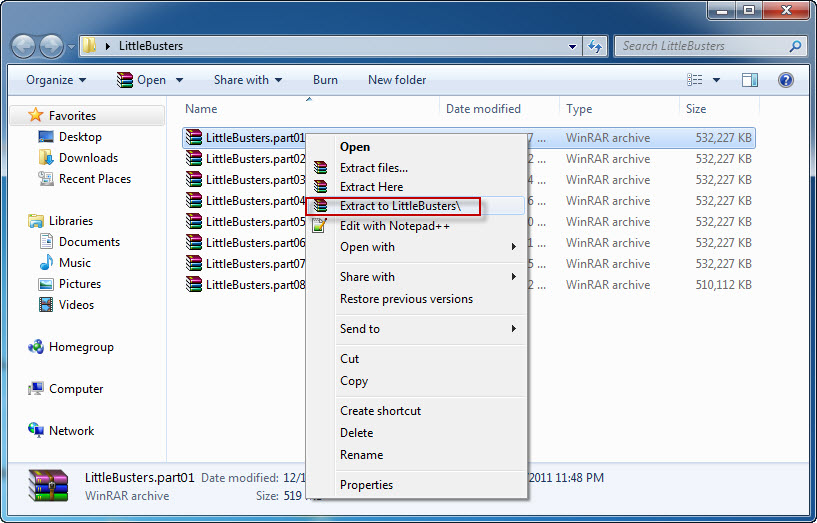
4. Once extracting process finishes, you’ll be presented with new folder, containing two files: LB.iso and LB.mds . Mount the LB.mds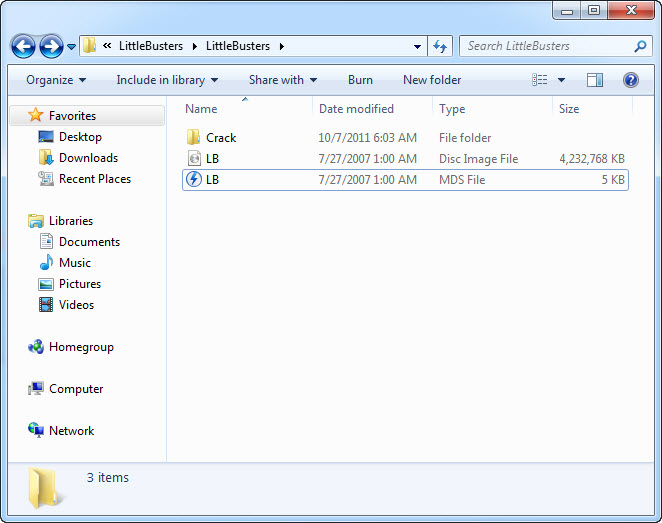
5. Open your virtual drive and run “Autorun_rlsmm.exe”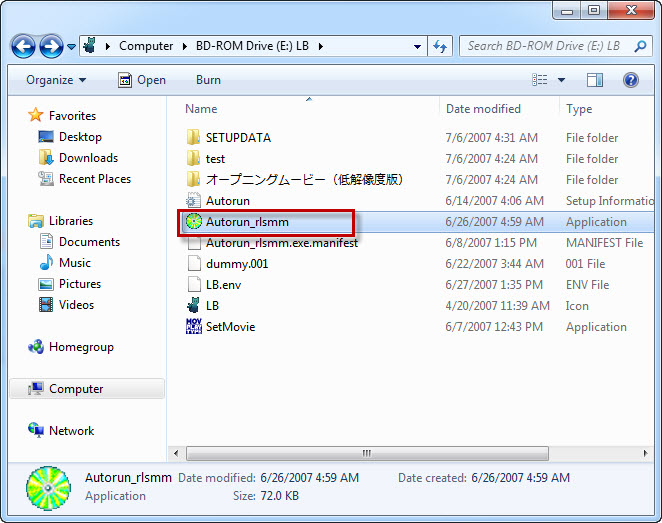
6. In autorun menu, click button in bottom-left corner.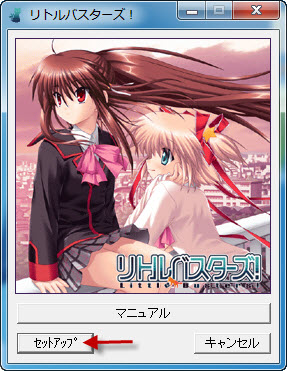
7. You will be presented with menu, where you can change installation location. You can leave the default one here. Just click button in bottom-left corner here.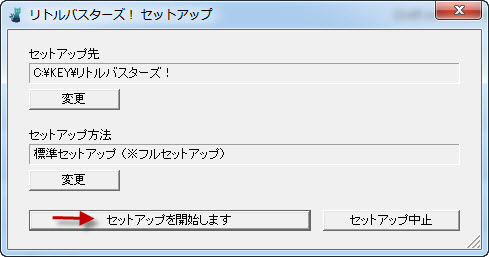
8. Pointless question now: “Do you want to begin installation?”. Of course, click “Yes”.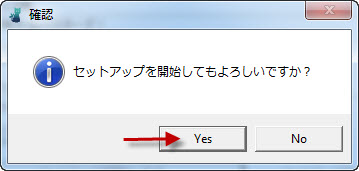
9. Installation might take a while. Just be patient.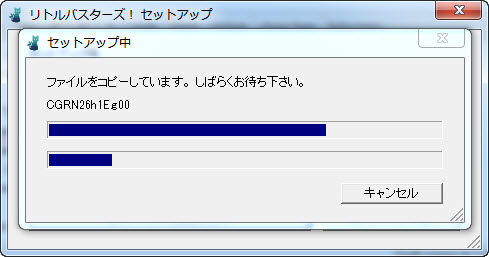
10. “Setup is complete”. Click “Ok”.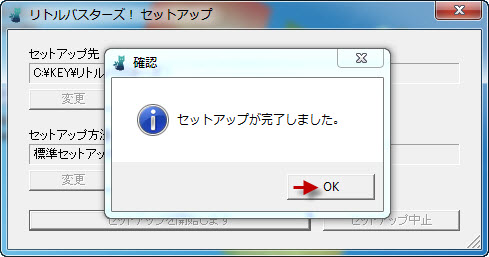
11. You might get asked if you want to install DirectX now. As the version provided with the game is very old, click “Cancel”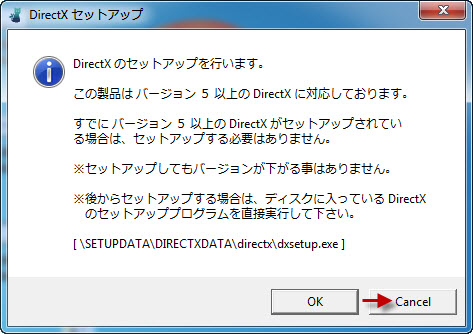
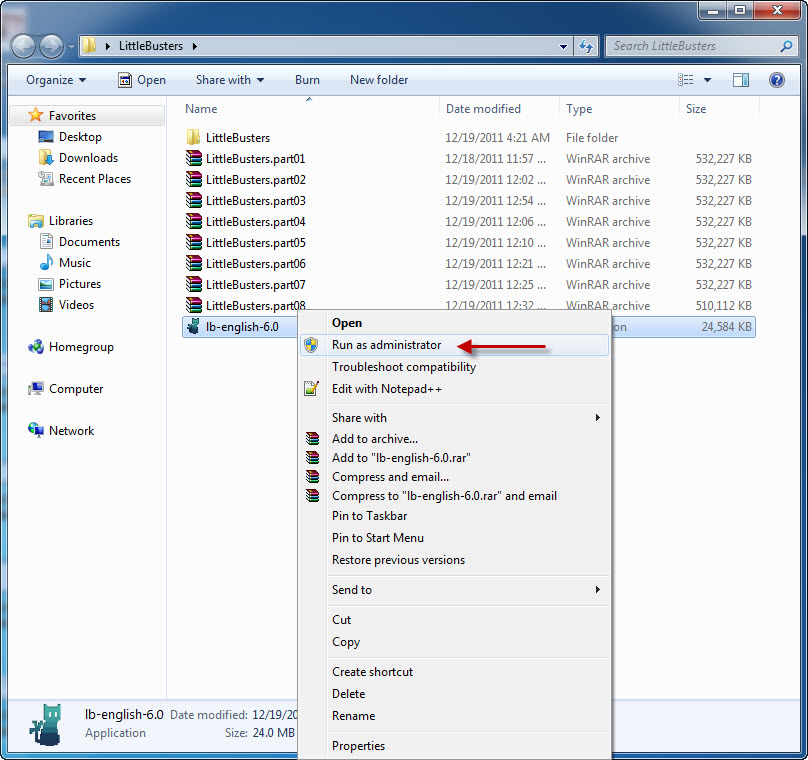
12. Now it’s time to run english patch. Download english patch, right click on it and select “Run as administrator” (you might get some problems with fonts otherwise)
13. Click “Next”.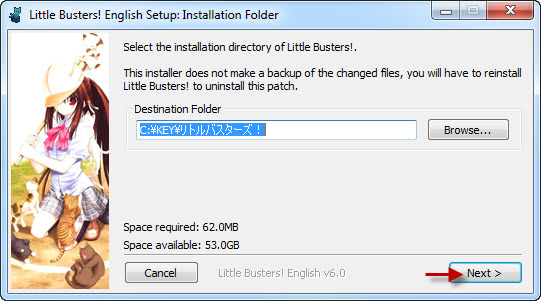
14. Click “Install”.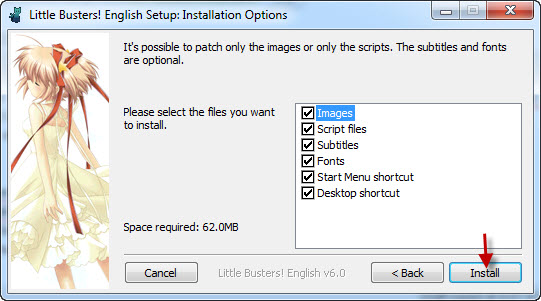
15. Now “Next”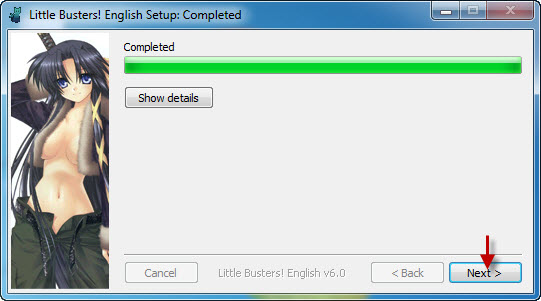
16. And Finally “Done”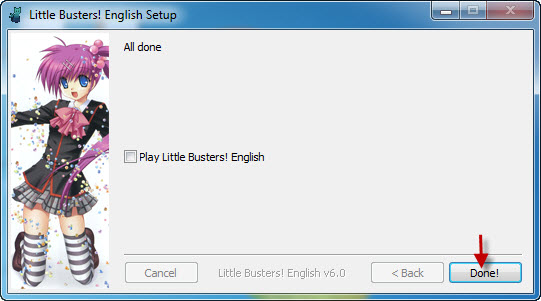
17. Move file “REALLIVE.exe” from “Crack” folder to game directory.
18. Enjoy the game!
212 comments
"Do the newer versions overwrite the old ones without problems?
-There can be various problems with your save files. Although generally your game state (e.g. CGs, route completion) is safe, this is not guaranteed."
So basically start playing from the beginning ;)
I don't have a 'crack folder'.
The application has failed to start because it's side by side is incorrect.
is it really necessary for every OS? or anything?
for example the PingPong font is the only available font on the fonts options... I delete the PingPong font on my C:WINDOWS/Fonts folder and run the game, then I check the fonts option on the settings and all the fonts appeared also the osakamono font too... The bad thing is that you need to check it or retrack the fonts that you've added on the C:WINDOWS/Fonts folder