
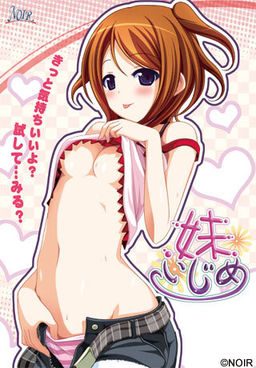
I have a little sister…
She’s cute. She’s my cute little sister Rin.
Our parents got married and we became a family.
However… Recently I started to feel strange.
Now I feel lust for Rin.
I just see your body or touch it and I got an hard on…
Haaa… Rin… You’re so cute Rin…
I think I’ve reached my limit…
Imouto Ijime

457 comments
I tried running the setup application as an administrator, copied the disc content to the harddisk and run from there, change install directories, all didn't work.
If anyone would be so kind to upload JUST the imoizi.exe file here, I would really really be grateful for that, thanks!
i can't get all CG in this game
if you have "applocale" open the game then change it to japanese it should work well.
if you changed your "system locale" the game should work well.
hope that helps :)
folder of [>Computer>BD-ROM Drive (E:) IMOZI], I get an error stating that the 'disc' doesn't have enough memory for me to paste the file there. I also tried putting the patch into the file of [C: – Program Files – NOIR – 妹いじめ] after installing it in Japanese, but could not find the file at all. Do you (or anyone) know how to find the proper area for me to patch the game?
The game was perfectly well installed and all, but the patch wont work. I have windows 7, my system is set to Japanese as I'm running another program which requires so. The problem is, the folder everyone speaks of, the [C: – Program Files – NOIR – 妹いじめ] one, doesn't exist on my pc. I've tried to copy/paste the patch into any folder I have with the game, but it just wont translate to English.
I really wanna try this game, so any advice would be nice. I'm at a loss of what to do. ; A ;
1st - u need 2 extract all rar files together into the folder u wish
2nd - use daemon tools to mount the image (if u have it)
3rd - extract english patch in the folder u mount the image
and there u have it .. Nj0y ^^
I managed to install it, but when i launch the game i get a blue screen =/
I only get a missing fonts no english :/
2. Open "Clock, Language and Region"
3. Then select Administrative
4."Change country or region to japan
it worked for me, good luck
Install patch to game directory
Play
at least that's how games like these generally works