Harem Party - Installation guide
1. Download “Harem Party” game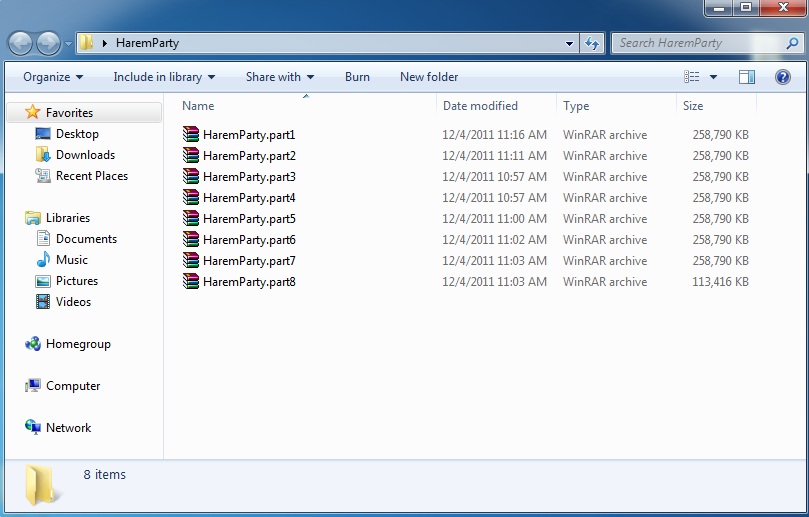
2. Right-click on first part and select “Extract here”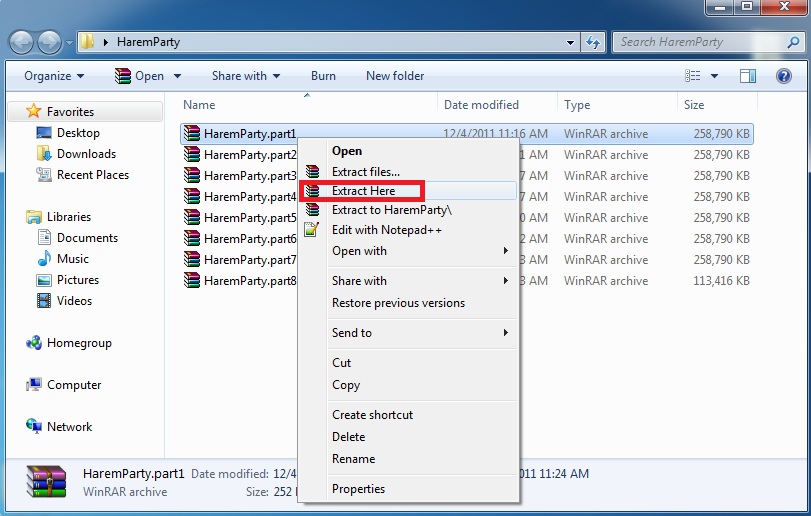
3. Once unpacking is complete, open newly created folder and start the game with lcsebody.exe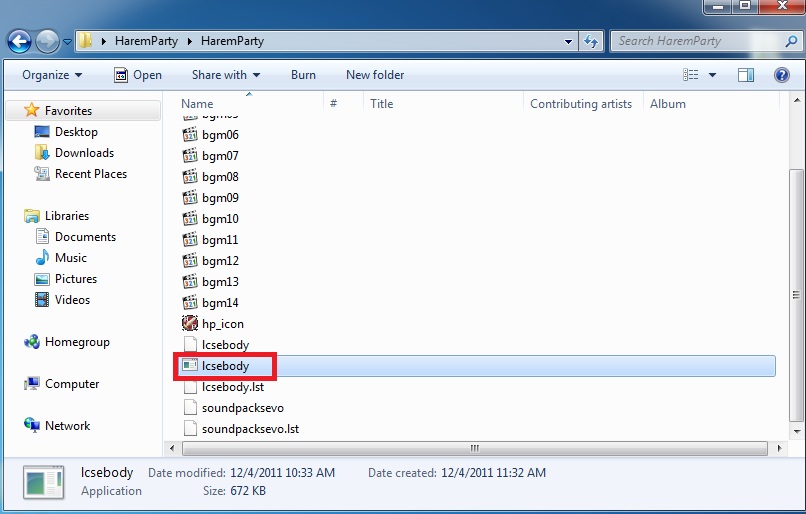
4. Enjoy the game!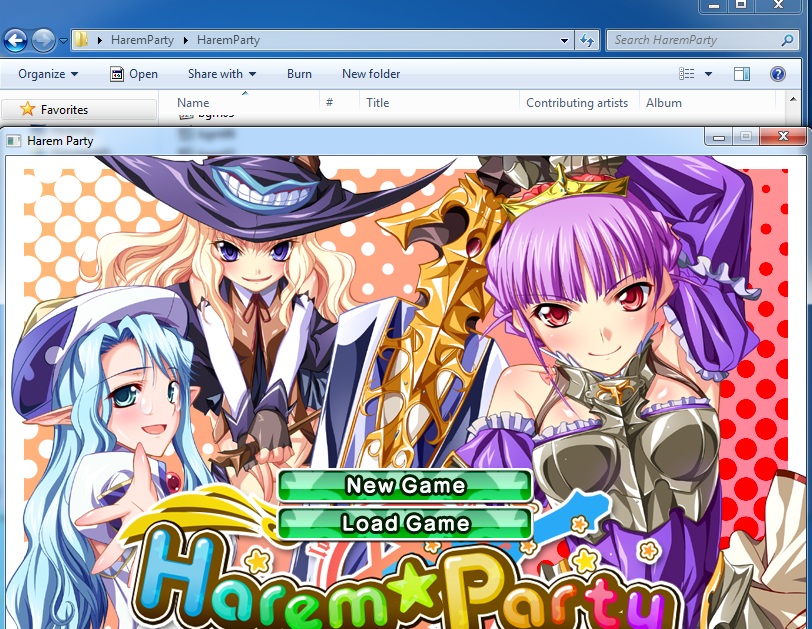

1. Download “Harem Party” game
2. Right-click on first part and select “Extract here”
3. Once unpacking is complete, open newly created folder and start the game with lcsebody.exe
4. Enjoy the game!
51 comments
Thank admin
thx
just run the program as admin. and play
I have read through the information in the Installation/Error troubleshooting section, installed the font, but as with others the text still is not running off the screen. Is there another fix?
and just to add, I also had problem with the text. It overlapping each other, but It already fixed after I copied Vera Fonts to game folder :)
please tell me
This seems to be different for everyone and I couldn't find a fix that worked for me online. What I ended up figuring out on my own was that I had two files "lcsebody." and "soundpacksevo.". The fact that these ended in a period with no actual extension did really weird things to my computer. For instance I still can't delete the files for some reason. What solved the problem for me was changing the names of these to the same thing without the period. The problem is windows wont actually let you. Luckily it appears you can change it as long as you do it in the zip file itself. I used the Winrar trial and was able to do this by simply opening the zip and right clicking the file and choosing rename.
Hope this helps someone who was as confused as me!
parts 2 and 3 are corrupted and cant be extracted properly after being downloaded so game cannot be played
Maybe it the fact that one file was unable to be installed into C:/Windows/Fonts, and that is the very first file in the "Vera" folder. It's "local.config". There's no way I know to install this file as my PC keeps saying "...does not appear to be a valid font". The rest of the files are ok as they are all "TrueTypefontfile".
Is this the way it should happen?
If it is, I don't mind, at least I can understand what is being said now. But if there is a way to fix the wrap around/no wrap around problem I'd like to find out.
Also I have Windows 8.1 so there were no "install new fonts" option (that doesn't involve fonts coming directly from Microsoft only) so I just copy and pasted it.